Draw rough. Make it clean.
Lines can settle into horizontal, vertical or 45° directions so you can shape the drawing first.
Sketch first. Make only the important parts precise. F-CAD sits between paper and full desktop CAD.
Draw before hunting for commands. Add dimensions, snaps, trim and movement afterward. The workflow is built around direct touch.
Lines can settle into horizontal, vertical or 45° directions so you can shape the drawing first.
Endpoints, midpoints, intersections and circle centers help touch input land where you intend.
Two-point dimensions, line length, diameter and angles turn a sketch into a drawing you can communicate.
Move, copy, rotate, parallel copy, trim, group, Undo and Redo—right on the drawing.
Draw by real dimensions, not just screen size. Useful for DIY and quick layout planning.
Export R12 ASCII DXF and continue the job in desktop CAD when needed.
These are actual app screens—not invented interface mockups.
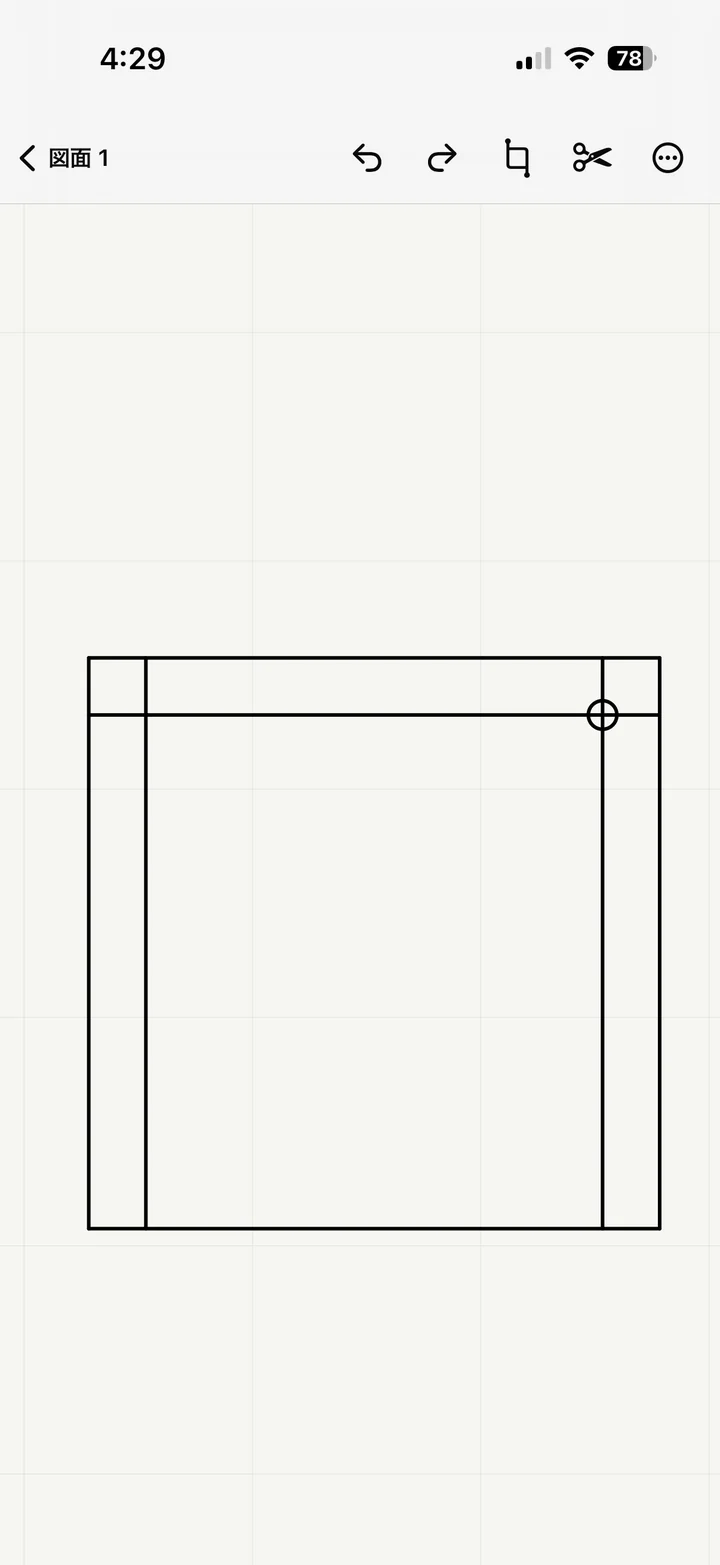
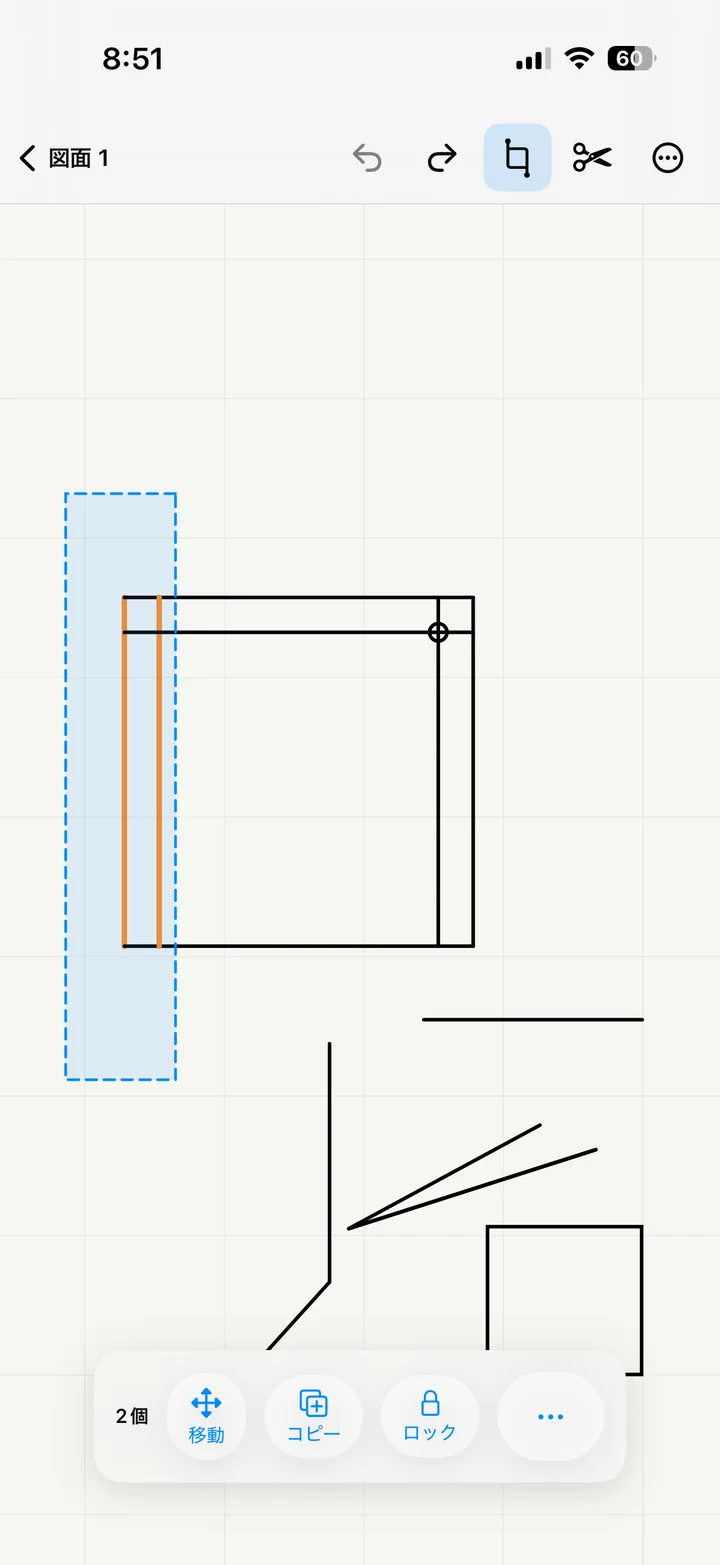
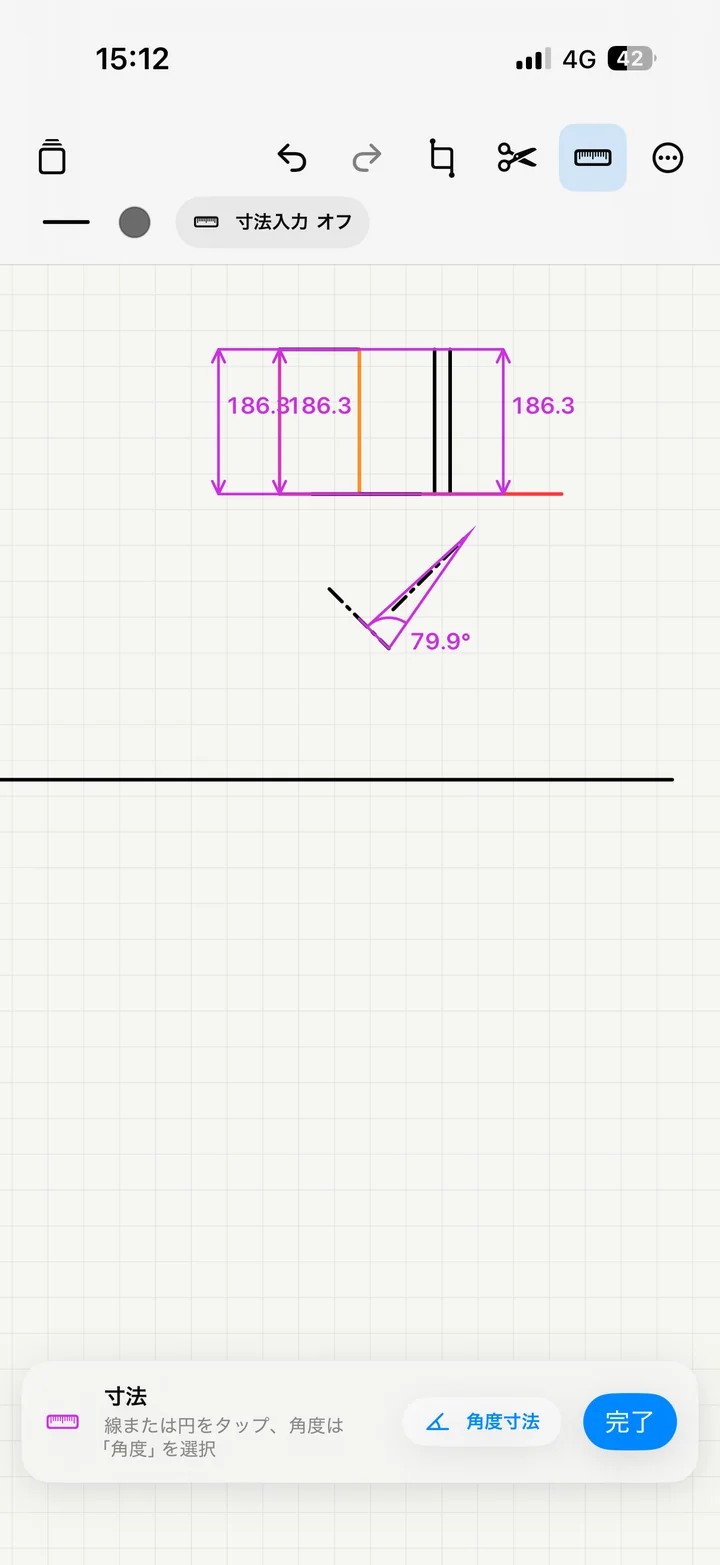
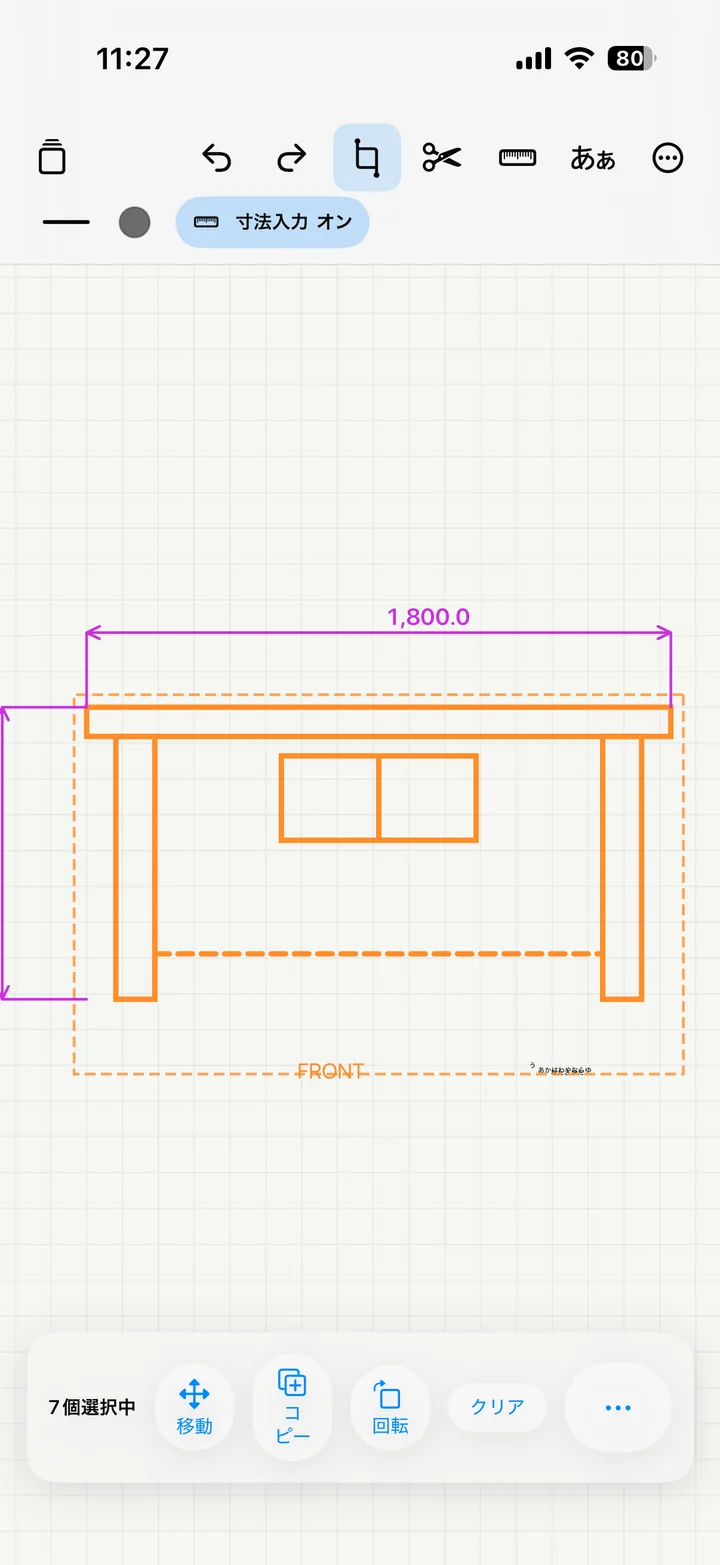
Start the shape as naturally as drawing on paper.
Use snapping and numeric dimensions where precision matters.
Move the drawing to desktop CAD when the next step needs it.
Too small a job for full CAD. Too precise for paper alone. That is the space F-CAD is built for.
iPad supports both portrait and landscape in FREE.
Yes. The number of projects is not limited.
No. F-CAD Pro is a one-time purchase.
The first export is free. Pro unlocks unlimited exports.
F-CAD is not intended to replace a full CAD package. It focuses on making simple 2D drafting fast and direct.
Sketch first. Make only the important parts precise. F-CAD sits between paper and full desktop CAD.